
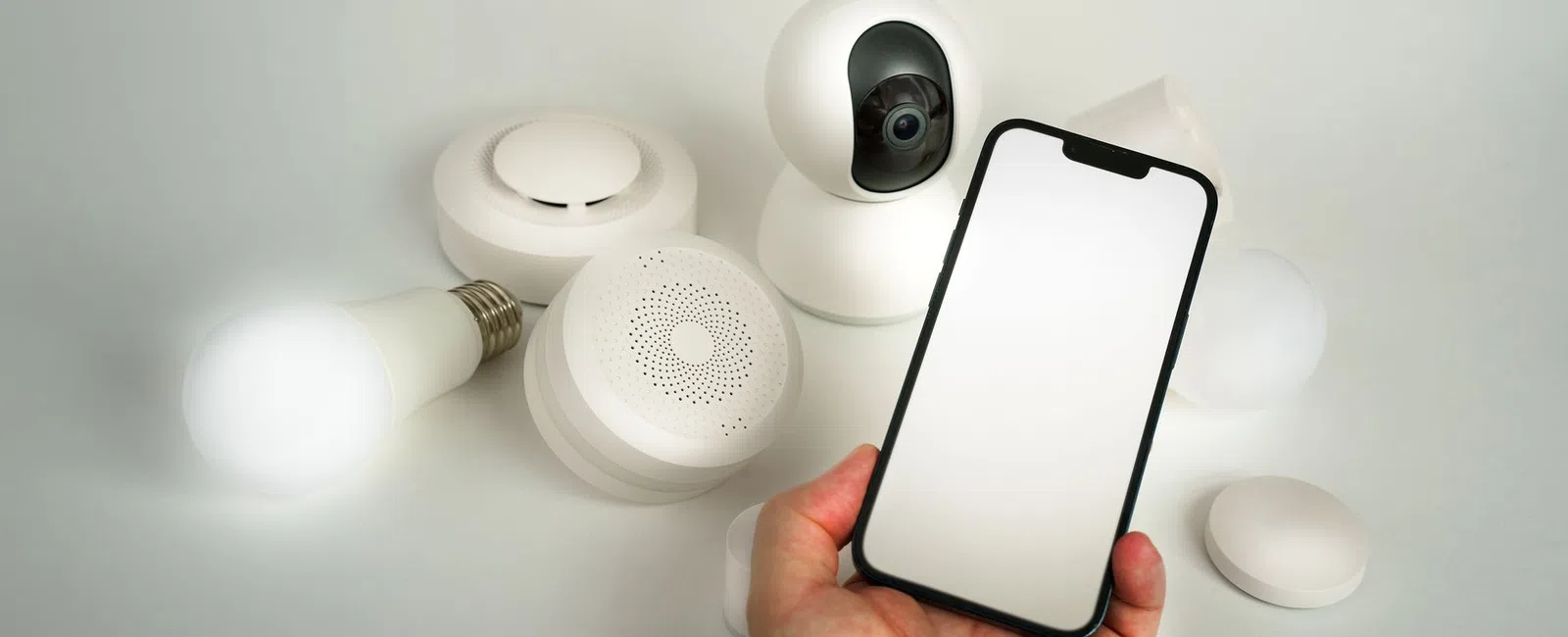
A property manager installs a new smart HVAC and access control system across three buildings — and six months later discovers every device has been sitting on an unsecured network segment, visible to anyone who knows where to look. The technology worked exactly as advertised. The network underneath it was never part of the conversation.
Smart Buildings Are Getting Smarter — But Are Your Networks Ready?
Smart building technology for property managers — IP-connected HVAC, smart locks, tenant-facing apps, and building automation systems — is being purchased faster than the network infrastructure required to run it securely. The hardware is rarely the problem. The unplanned IT foundation underneath it almost always is.
Why the Infrastructure Gap Matters
Building automation systems (BAS) — software-controlled platforms that manage HVAC, lighting, and access across a facility — and IoT devices (internet-connected sensors and controllers) are now standard in commercial real estate. Each one lands on a network. If that network hasn't been designed to handle them, every new device is a liability added to an unstable foundation.
Property managers in New Jersey are deploying this technology across multi-building portfolios at a rapid pace. The vendors selling and installing the hardware rarely ask what the network looks like first. That gap is where problems start.
What "Smart Building Technology" Actually Includes (And What It Touches)
Smart building technology for property managers spans far more than a smart thermostat. Every category below is a networked device — which means every category is a potential entry point into your broader network if not properly isolated.
The Core Technology Categories
- Building Automation Systems (BAS): Centralized platforms that control HVAC, lighting, and energy management across a facility. BAS platforms communicate over IP networks and are frequent targets because they are often misconfigured and rarely patched.
- Smart Access Control: Keycard and mobile credential platforms — such as Brivo or Verkada — that manage building entry. Smart access control systems connect to cloud management portals and require persistent internet access.
- IP-Based Surveillance Cameras: Network cameras that stream and store footage over the building's data network. IP cameras are among the most commonly exploited IoT devices due to default credentials left unchanged after installation.
- Smart HVAC and Lighting Controllers: Device-level controllers that report to a BAS or operate independently over WiFi. Smart HVAC controllers often have web-accessible interfaces with weak default security.
- Tenant WiFi Infrastructure: Managed wireless networks provided to tenants as an amenity. Tenant WiFi must be isolated from property management systems to prevent cross-contamination.
- EV Charging Management Systems: Network-connected chargers that report usage data and handle billing. EV charging management introduces additional vendor software and remote access dependencies.
Each of these systems is "smart" because it communicates over a network. That connectivity is also what makes each one an attack surface if the underlying smart building IT infrastructure isn't designed with security in mind.
The Cybersecurity Risks No One Mentions at the Sales Demo
The three most serious property management technology risks from smart building deployments are flat network architecture, unchanged default credentials, and unaudited third-party vendor access. None of these appear in a product brochure.
Flat Network Architecture and Lateral Movement
When a BAS or smart camera is placed on the same network segment as financial systems or tenant records, a breach of any one device allows an attacker to move laterally — that is, pivot from the compromised device to other systems on the same network. Segmentation using a VLAN (Virtual Local Area Network, a logical separation within a physical network) prevents this. Most hardware vendors don't set it up unless you ask.
Default Vendor Credentials
BAS platforms and IP cameras ship with manufacturer-set usernames and passwords. These default credentials are publicly documented and widely known. Building automation system vulnerabilities traced to default credentials are well-documented in security research, yet unchanged defaults remain common in commercial buildings years after installation.
Third-Party Vendor Remote Access
HVAC technicians and elevator contractors routinely retain persistent remote access credentials after completing a service engagement. Those credentials are rarely audited or revoked. The 2013 Target breach — in which attackers accessed Target's point-of-sale network through credentials stolen from an HVAC vendor — is the most cited real-world example of this exact vector. The same risk exists in every commercial property that hasn't reviewed its vendor access policies. Firms looking for IT support for real estate companies should treat vendor access auditing as a baseline requirement, not an optional service.
What to Evaluate Before You Sign a Purchase Order
Before committing to any smart building purchase, run through this IT readiness checklist — not the vendor's feature checklist. These four questions determine whether the technology will be safe to operate, not just functional to demo.
- Network Segmentation: Can the new system be isolated on its own VLAN, separate from financial systems and tenant data? If the vendor's installer doesn't know what a VLAN is, that is a red flag.
- Vendor Access Policy: Does the vendor require persistent remote access to service the system? If yes, is there a documented process for monitoring that access or revoking credentials when the engagement ends?
- Firmware and Patch Management: Who is responsible for updating device firmware after installation — the vendor or the property manager? If no one has a clear answer, the devices will go unpatched indefinitely.
- Integration Risk: Does the new system connect to existing property management software such as Yardi or AppFolio? If so, has anyone reviewed those API connections — the interfaces that allow systems to share data — for authentication requirements and data exposure?
IoT security for real estate starts before the purchase order, not after the installation crew leaves. Commercial property technology planning means asking these questions while you still have negotiating leverage.
Multi-Site Properties Add Another Layer of Complexity
Property managers operating more than one building face compounded risk when smart building systems are deployed without a unified IT management framework. Each site becomes its own independent vulnerability — and its own support problem.
Three Problems That Emerge Across Multiple Sites
- Inconsistent Configurations: Building A might have network segmentation in place; Building B might not. Without a standard deployment template, every site is a different risk profile.
- No Centralized Visibility: Without unified monitoring, a compromised device at one property generates no alert visible to anyone managing the others. Device health and security events stay siloed.
- Vendor Sprawl: Multi-site portfolios often accumulate different technology — different cameras, different access control systems, different BAS platforms — installed by different contractors with no coordination. Each vendor relationship is a separate access credential and a separate patch schedule to track.
For managed IT for real estate New Jersey firms managing multiple properties, the correct starting point is a site-by-site technology review before any new system is layered on top of an existing inconsistent foundation.
How to Build a Technology Foundation That Grows With Your Portfolio
The right sequence is: audit and secure existing infrastructure first, establish clear vendor and device management policies, then evaluate new smart building technology purchases within that framework.
Smart building technology for property managers delivers real value — energy savings, operational efficiency, better tenant experience. That value only materializes when the IT and security foundation can support it. Buying the hardware first and addressing the infrastructure later is how buildings end up with unsecured devices sitting exposed for months.
Frequently Asked Questions
What are the biggest cybersecurity risks with smart building technology?
The three biggest risks are flat network architecture that allows attackers to move between smart devices and business systems, default vendor credentials left unchanged on BAS and camera platforms, and persistent remote access held by third-party contractors that is never audited or revoked.
Do smart building devices need to be on a separate network from my business systems?
Yes. Smart building devices should be isolated on their own VLAN, separate from financial systems, tenant data, and property management software. Without that separation, a breach of any single device can expose everything else on the same network.
Who is responsible for updating firmware on smart building devices after installation?
This is often undefined — and that is the problem. Responsibility for firmware updates should be explicitly documented before installation is complete. If the vendor doesn't commit to a patch schedule, the property manager needs a managed IT partner who will track and apply updates.
How do I know if my building's existing IT infrastructure can support smart building technology?
A network assessment is the only reliable answer. The assessment should confirm whether your current infrastructure supports VLAN segmentation, whether existing vendor access is documented, and whether your network has the capacity and security controls to absorb additional IoT devices safely.
Not Sure If Your Buildings Are Ready for Smart Technology? Let's Take a Look.
In a free discovery call, CNS Data will review your current network setup, walk through your existing or planned smart building systems, and tell you exactly what needs to be in place before you invest further.
Schedule Your Free Discovery Call

